Product

One window. Way more than chat.

Communities, voice, music, weather, calendars, feeds, and the tools you actually use, all in one window you arrange yourself.

Talk

Communication

Channels for every way people talk in a community, from quick banter to threads that run for weeks.

01

Text channels

Fast, organized text chat. Split topics into channels so a conversation stays easy to follow instead of one endless scroll.

02

Voice channels

Low-latency voice with AI noise suppression, so your mechanical keyboard and your roommate don't come along for the call.

03 Desktop

Voice overlay

An always-on-top HUD that shows who's in your call and who's talking, so you never have to alt-tab to check. Summon it from anywhere with a global shortcut, drag it to a corner, and let clicks pass through to what's underneath when you need to. Mute, deafen, camera, screen share, and the soundboard are all one click away.

04

Voice room launchers

Click a launcher channel and a fresh voice room spawns just for your group, auto-named (sometimes hilariously), with the same access rules as the launcher. Rename it if you like; it deletes itself the moment the last person leaves. No graveyard of dead voice channels, no bot to set up.

05

Encrypted DMs

Your DMs are encrypted on your device before they leave it, the same protocol model Signal uses. We can't read them, and that's the point.

06

Forum channels

Threaded, long-form discussion that doesn't scroll away by lunch. Tags, flair, pinning, and voting for guides, questions, and the stuff worth keeping.

07

Gallery channels

Media-first channels: grid layout, full-size lightbox, keyboard nav, reactions. For art and screenshots that deserve better than a thumbnail.

08

Announcements

Read-only channels for the things everyone needs to see, without forty replies burying it two minutes later.

09

Shard events

Schedule events with RSVPs, cover images, and a linked voice channel. Everything across your Shards lands in one calendar you can export to Google or Apple.

10

Disappearing messages

Set messages to delete themselves after a while, per channel. When the timer's up they're gone from the database, not just hidden from your screen.

11

Scheduled messages

Write it now, send it later. Handy for announcements, reminders, or catching a friend in another timezone without staying up for it.

Meet people

The Rift Lobby

Meet people without the cold open of joining a random server and hoping for the best.

01

Ephemeral rooms

Small rooms, up to 8 people, with text and drop-in voice. They spin up, run for a session, and disappear. No dead channels piling up forever.

02

Focused Rifts

Browse by what you're into: Gaming, Music, Tech, Creative, Sports, Film & TV. You get matched with people on the same wavelength, so it doesn't feel forced.

03

"Step Through the Rift"

Not feeling the room? One click drops you into a new one. No guilt, no awkward goodbye.

04

Share only what you want

Be fully anonymous, show your Now Playing, or share your interests. You pick, it's all opt-in, and it resets every session.

Your tools

Portals

Little apps you arrange right next to your chat. Your whole setup in one window.

01 Soon

Apple Music

Run Apple Music from your layout: skip, pause, see the album art, and let Now Playing show friends what you're listening to. Still being built. In the meantime, the Radio and YouTube portals already cover music in your layout.

02

Weather

Live radar via Windy.com, with current conditions at a glance. No signup or API key required.

03

Calendar

Your Shard events and personal events with iCal sync, so you see what's happening across your communities and your life in one place.

04

YouTube & Twitch

Watch streams and videos docked next to chat. Start a Watch Party and the whole group stays in sync, one host driving, nobody leaving the conversation.

05

To-do lists

Personal task lists sitting right next to your chat where you'll actually see them.

06

Feeds

A built-in RSS reader. Follow blogs, news, and changelogs without leaving Rift.

07

Markets

Crypto and stock watchlists with live quotes in your layout. Track BTC, ETH, AAPL, NVDA, whatever you follow, no brokerage login.

08

Radio

Thousands of internet stations by genre, with a sleep timer and favorites that sync across your devices. It streams straight from the broadcaster.

09

Games

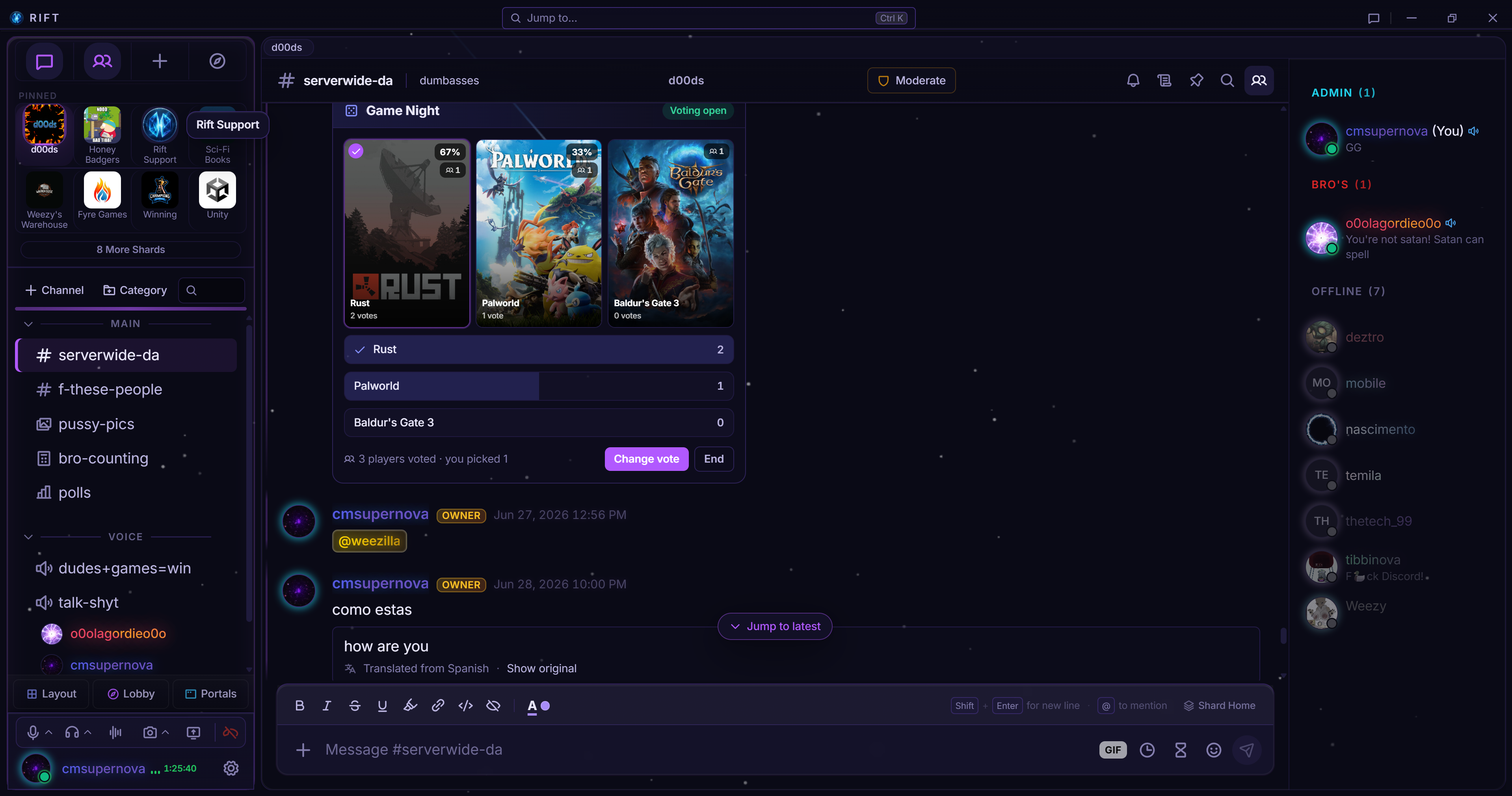
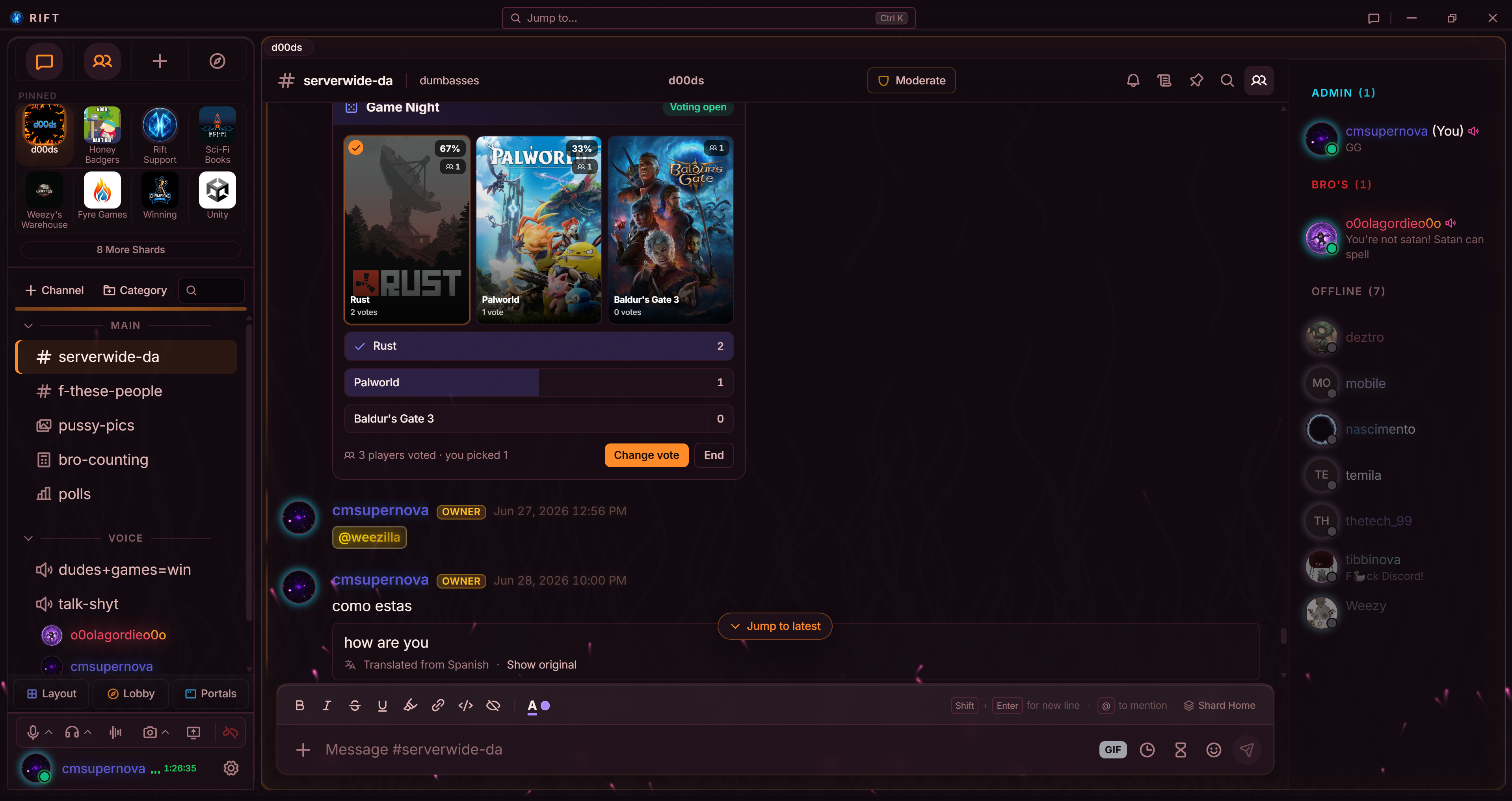
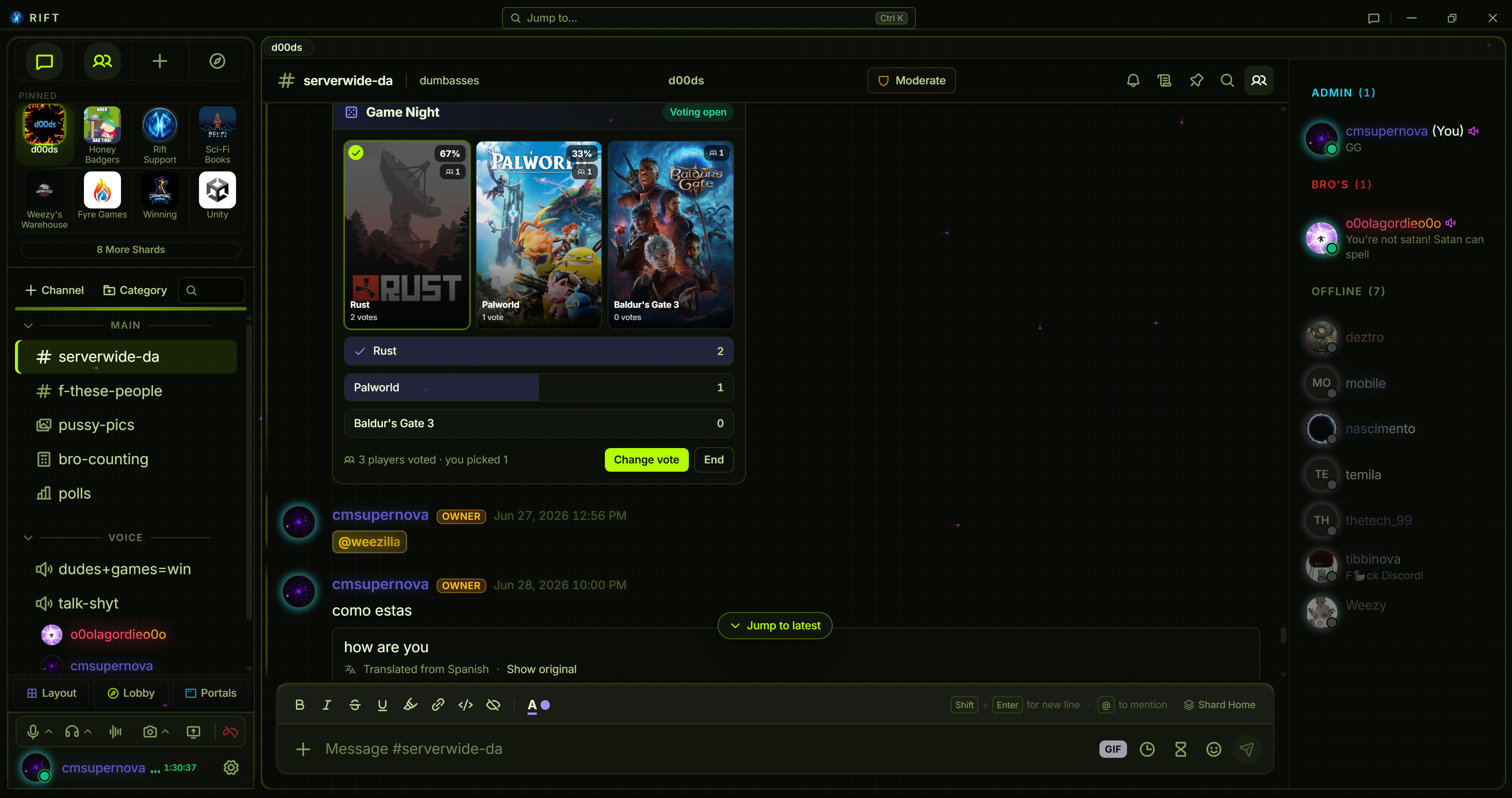
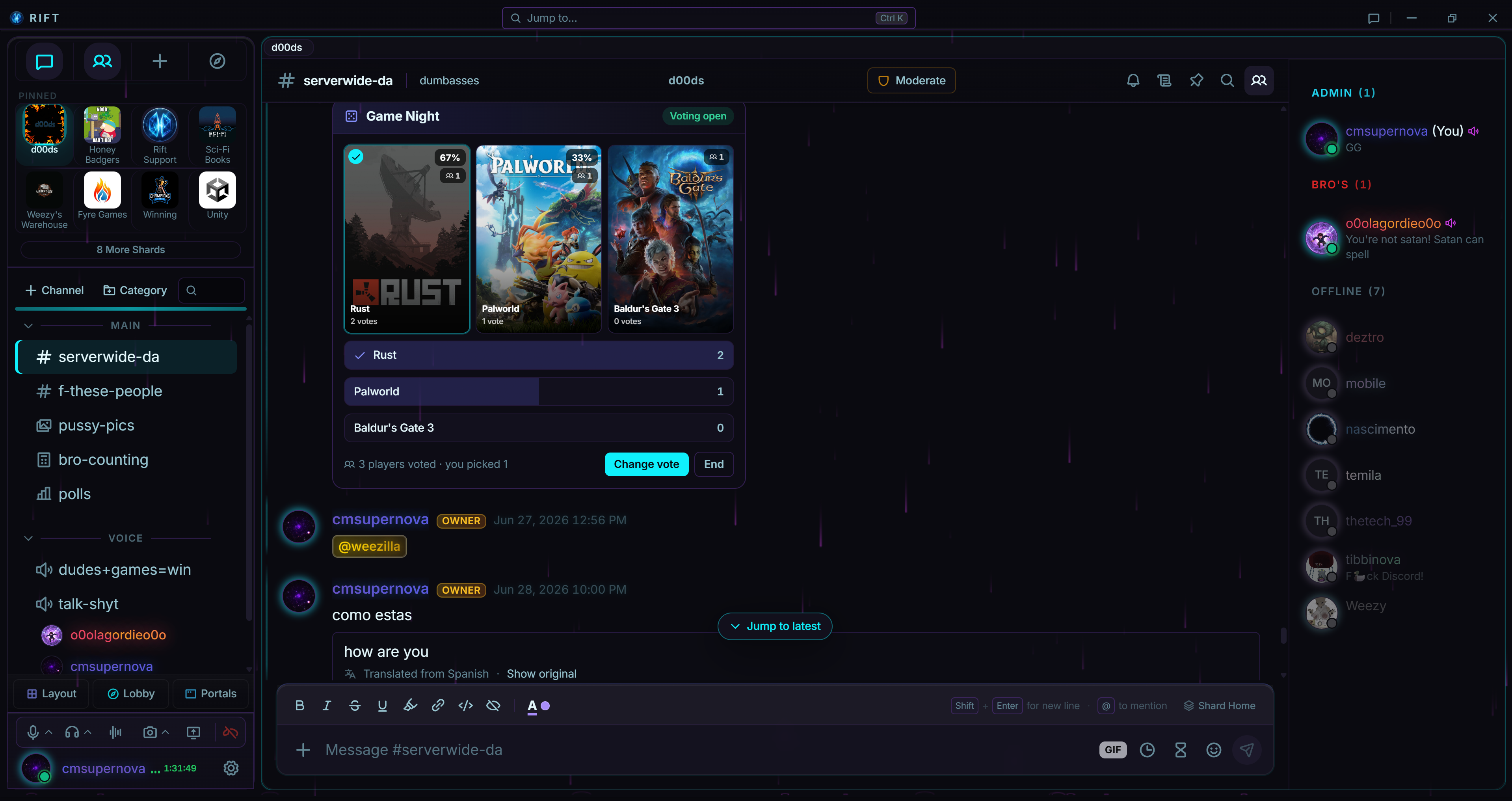
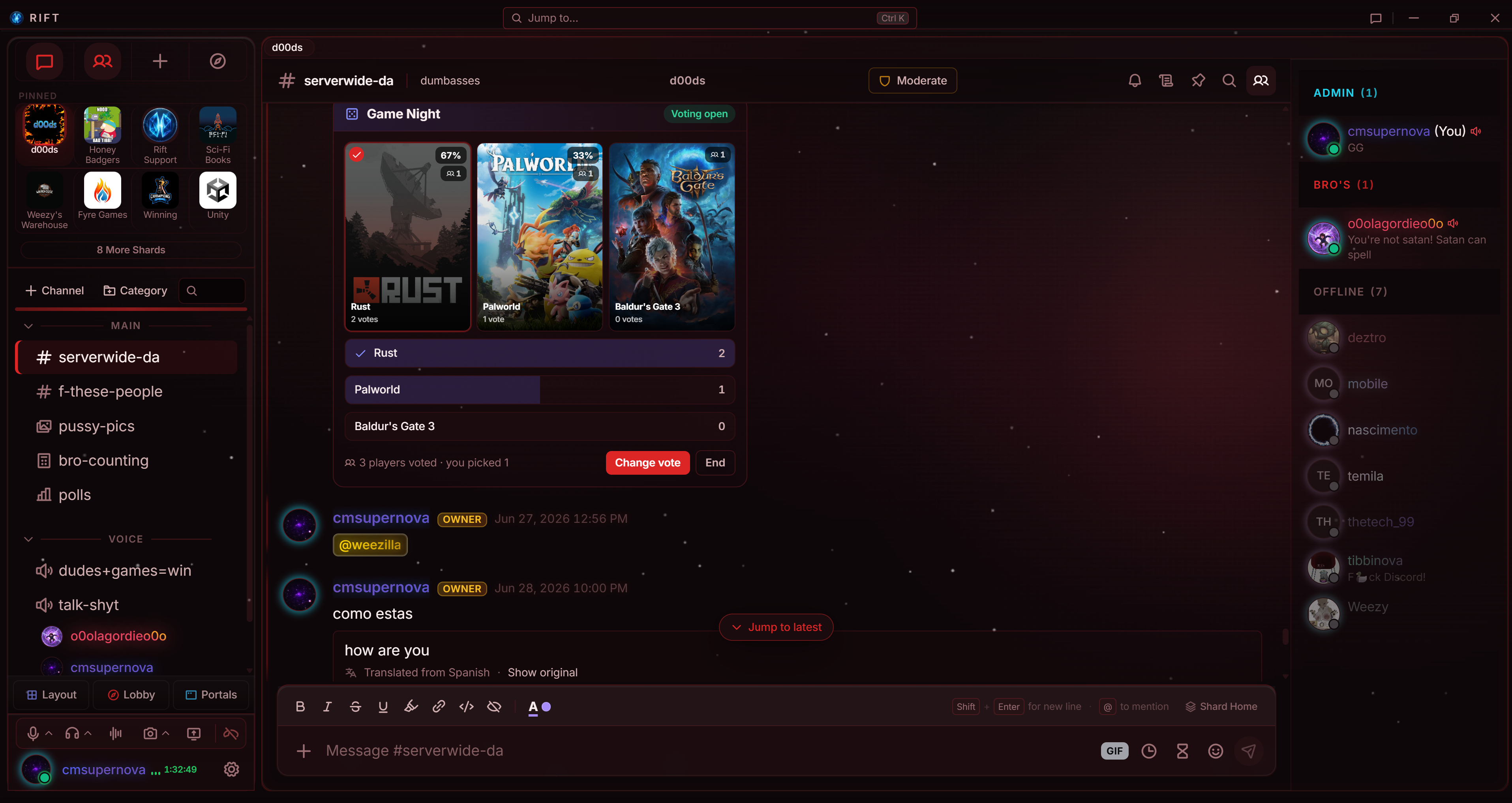
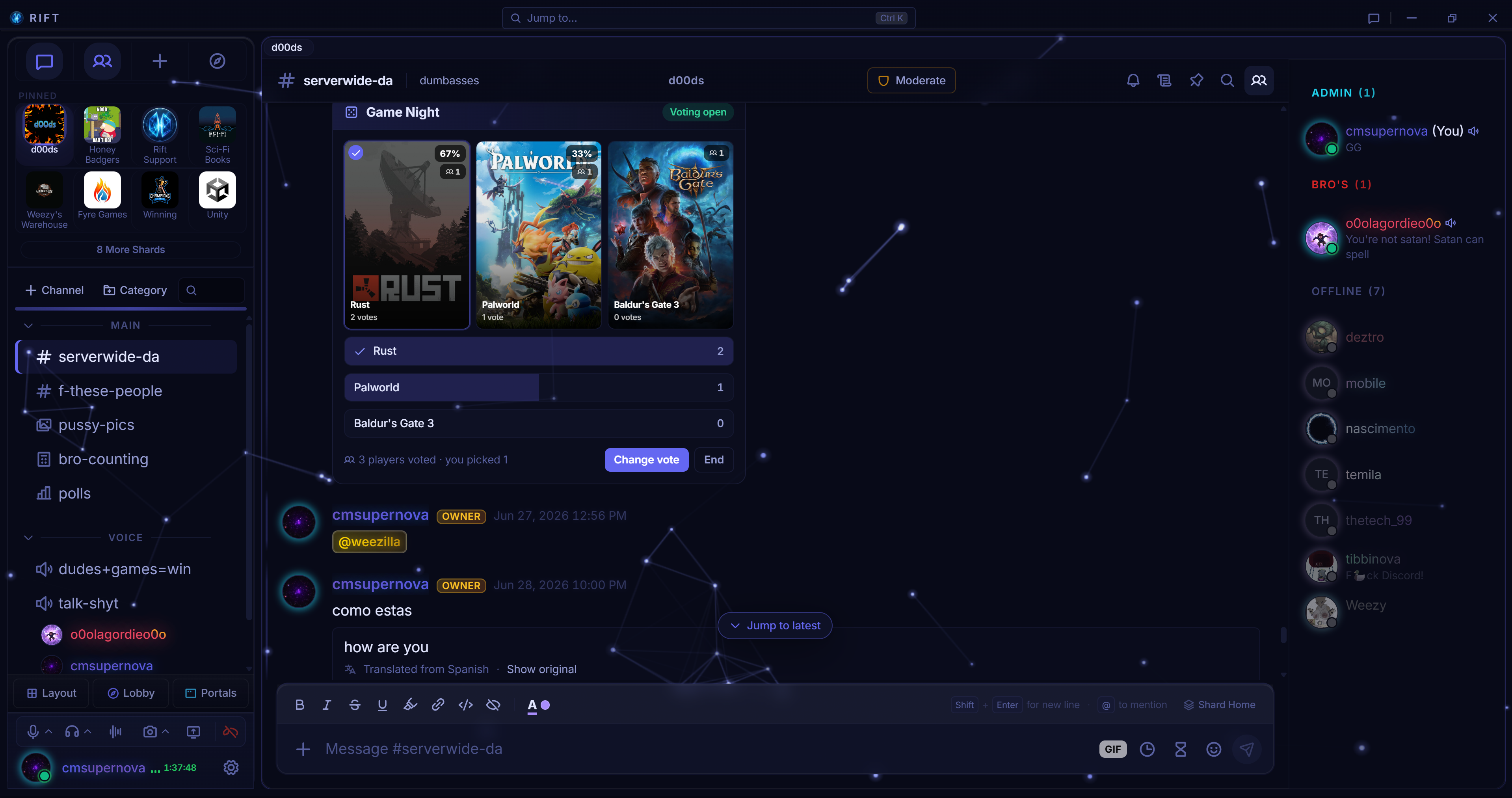
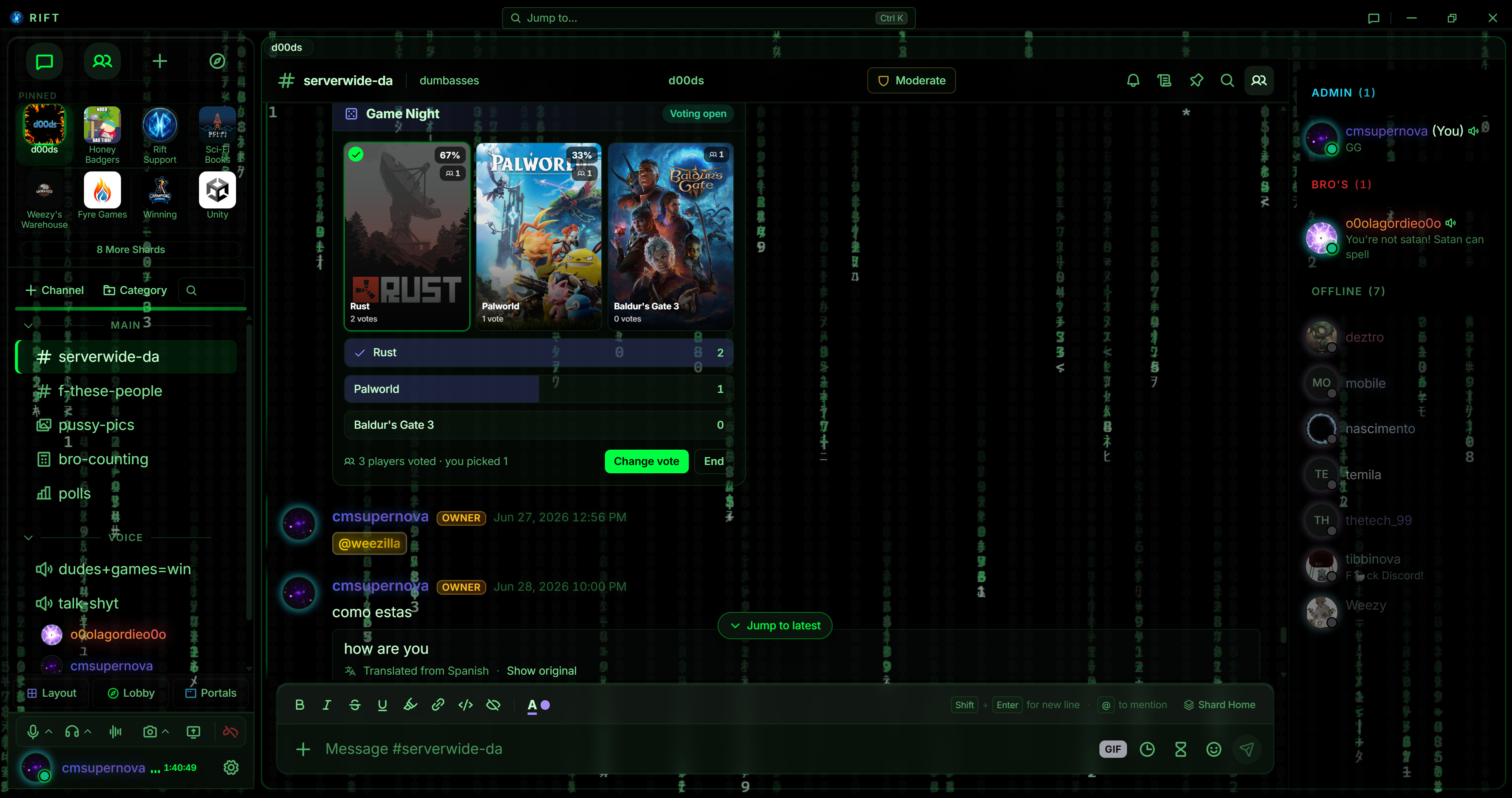
Sync your Steam library and browse it by playtime, genre, or co-op. Compare libraries with your crew, then run a Game Night vote to settle on what to play.

10 Desktop

System Monitor

A live hardware HUD in your workspace: CPU, GPU, RAM and VRAM, temps, disk and network, with theme-reactive gauges. Desktop app only, since it reads your machine directly.

Also available:

Sports & FantasyMini BrowserPost-it notesWorld ClockSoundboard
Drag any Portal into your layout, resize it, and save named layouts for different workflows.

Run your place

Moderation & safety

AutoMod, tickets, analytics, and audit logs are already part of Rift, not bolted on by a third-party bot that can go down at 2am and take your moderation history with it.

01

Shard Command Center

A live owner and mod dashboard: real-time mod feed, growth stats, a message-activity heatmap, a searchable member table with bulk kick, ban, and unban, a short-lived deleted-message log (12 hours for self-deletes, 14 days for mod removals, then purged), edit-history lookup, and a permissions audit trail with one-click revert. It's the kind of analytics you'd normally pay a bot subscription for, already built into Rift. That data belongs to your Shard. Rift doesn't keep a copy.

02 Built in

AutoMod

Word filters, invite blocking, spam protection, slowmode. Test every rule in a live sandbox before it goes live, so a bad filter never eats a real conversation.

03

Role-based permissions

A proper three-state model, allow, deny, or inherit, with per-channel overrides and an inspector that tells you exactly why someone can or can't do something.

04

Mod log

Every automod trigger and manual action in one searchable feed. Filter by user, date, or action. Your whole team sees the same history.

05

Slowmode & timeouts

Per-channel slowmode that mods skip automatically, plus timeouts with a duration you set. Small tools for specific headaches.

06

Report system

Structured reports with categories and status tracking, and a path to escalate the serious stuff to the platform when it needs it.

07

Ticket channels

Support tickets as a built-in channel type: an organized private thread per issue, opened with a click instead of a bot command.

08

Reaction roles

Post a panel and let people pick their own roles with a click: teams, pronouns, interests, notification opt-ins.

09

Leveling & XP

Opt-in XP from chat and voice, with anti-AFK and anti-spam caps so it can't be farmed. Hitting a level hands out real roles or unlocks channels, and everyone gets a rank card and a leaderboard. Level-ups show up as a quiet toast instead of another message in the channel. Free for every Shard.

10

Giveaways

Prize draws with the math to back them up. Each one publishes a cryptographic commitment up front and reveals the seed at the draw, so anyone can check it wasn't rigged. Set entry rules, hand out codes only the winner can see, auto-draw at the deadline, and reroll if someone goes quiet.

11

Anti-raid & lockdown

Catch join spikes automatically, gate new accounts by age, and flip on raid mode the second things go sideways. The presets cover the common cases, so the fast response is also the easy one.

12

Communities that never go dark

When an owner deletes their account, gets banned, or disappears from Rift for 60+ days, ownership passes to the best remaining member automatically: admins first, then highest role, then longest around. Using Rift at all keeps your shards yours; only a community left untouched for 180+ days changes hands while its owner is still around. Nobody has to beg support for the keys, and the community keeps running.

13

Incoming webhooks

Pipe notifications from tools you already use straight into your channels. Rift takes Discord’s webhook format plus GitHub and Slack, so your CI and alerts keep working when you move over. 5 free per Shard, 15 on Ember, 30 plus file uploads on Forge.

14

Live alerts

When your creators go live on Twitch, Rift drops a rich card in the channel you pick: title, game, thumbnail, optional role ping. It updates itself to 'ended' when the stream stops, and viewers can jump into a Watch Party without leaving. It's wired into Twitch's EventSub directly, so the card lands the moment the stream does.

15

Import from Discord

Paste a Discord server template link and Rift rebuilds the whole structure as a new Shard: categories, channels in order, forum tags, roles with their colors and order, and every permission rule that has a Rift equivalent. You get an editable preview first, so you decide what lands before anything is created. Structure only, not messages or members, and your Discord server is never touched.

Identity

Identity & privacy

Signup is a username and password. What you share beyond that is your call.

01

Rift Key

Twelve words, generated at signup. It's your account recovery, your identity, and the root of your encryption keys, all without an email or phone number ever being on file.

02

Signal-style X3DH/Double Ratchet

The same encryption model Signal uses. Even if one of your keys leaks later, the messages you already sent stay locked.

03

Shard messages encrypted at rest

Community messages are encrypted at rest on the servers. Not full E2EE, since a channel has to deliver to a lot of people, but never sitting in plaintext either. And because Rift collects essentially nothing, just a username, a worst-case breach leaks conversations, not identities.

04

No analytics layer

We keep what's needed to run your account and enforce safety, and nothing past that. Nothing quietly building a profile of you underneath the app.

05

Personas

Speak as a character. In channels the owner turns it on for, pick a name, avatar, and color and post in-character or anonymously. Great for roleplay or running NPCs. It never detaches a message from its real author behind the scenes, so reports, AutoMod, and bans still work.

Customization

Themes, layouts, and profiles

Themes, layouts, and profiles that turn the app into your place, for you and for your Shard.

01

Themes

Hand-built themes that reskin the whole app instantly, each previewing live before you commit. Push further with custom colors, gradients, background images, and glass, or just pick one and move on.

02

Accent colors

Pick an accent that fits your mood or your brand. Subtle or loud, up to you.

03

Profile banners

Banners, animated avatars, and a profile that looks like you.

04

Profile widgets

A drag-and-drop bento grid for your profile: Now Playing, a media gallery, polls, an extended bio, your links, and more.

05

Soundboard

Soundboards for the whole Shard and for you personally, for quick clips in voice. Fun without hijacking the room.

06

Workspace layouts

Dock presets (Classic, Streamer, Productivity, Cockpit), 2 saved layouts free (8 with Rift+), and focus modes for chat, media, or the whole cockpit.

07

Pop-out windows

Tear any chat, DM, or Portal out of the main window. On desktop they become real OS windows: drag one to a second monitor, pin it on top, then dock it back with a click.

08 Desktop

Stream Deck

Mute, deafen, push-to-talk, leave voice, or fire a soundboard clip, straight from an Elgato Stream Deck. The official plugin talks to the desktop app over a local, token-secured bridge. Needs Rift desktop and Stream Deck hardware.

Download plugin
09

Custom emojis

Give your Shard its own emoji, with more slots as your Shard tier grows. Animated custom emoji are a Rift+ and Founder perk.

10

Personal emoji

Your own emoji, tied to you instead of a Shard, so they follow you into every Shard and DM. More slots with Rift+, and animated personal emoji are a Rift+ and Founder perk, same as Shard emoji.

11

Companion

Voidkitty: a pixel-art cat that lives in your workspace. It roams between panels, naps on your sidebar, chases your cursor, and climbs the edges. Keep it in a Portal or let it wander. Free for everyone; Rift+ unlocks extra cat skins. It only reacts to where your cursor is, never to what you type.

12 Rift+

Atmosphere

Living animated backgrounds for the whole workspace: drifting nebula, pond ripples, snow, embers, matrix rain, and more. Some react to your cursor, and a dial takes it from barely-there to bold. Layers over any theme and respects reduce-motion.

Get around

Find your way, keep your focus

Find communities, jump anywhere in a keystroke, and decide when Rift gets to bug you.

01

Discovery

Browse a directory of communities that chose to be found, ranked by plain activity numbers. Filter by interest, preview before joining, or Step Through one at a time. Any Shard can list itself for free, with no member minimum.

02

Command palette

Ctrl or Cmd+K jumps to any Shard, channel, or DM, opens a Portal, or dives into settings, all from the keyboard.

03

Shard overview

Drop into a Shard and get your bearings: recent activity, pinned announcements, who's in voice, member count. Dismiss it once you're caught up.

04

Notification Center

One inbox bell for the things you'd otherwise miss: account and Shard notices plus Rift-wide announcements, in one place instead of scattered everywhere.

05 Desktop

Notification overlay

Desktop toasts for DMs, mentions, and live alerts that show up even when Rift isn't focused. A burst of messages from the same person collapses into one updating card instead of stacking spam. Click one to jump straight to the conversation.

06

Quiet hours

Schedule do-not-disturb windows and Rift goes quiet across everything, in-app, desktop pop-ups, overlays, then comes back on by itself.

The short version

Why Rift exists

Chat apps split your day across tabs and platforms. Rift puts it back in one window.

01

Subscriptions, not surveillance

There's no profile of you being built anywhere, no ad targeting, nothing sold to a broker. What you say here stays here.

02

Every mod action is logged

Rules are posted, not implied. When a mod takes action it lands in a log, so nobody wonders why they got banned.

03

Communities set their own rules

A Shard runs however its owner wants to run it. Rift builds the tools; what a community does with them is up to them.

04

Built for grown-ups

Rift treats you like an adult, because that's all we allow here.